* 主体类型
* 企业名称
* 信用代码
* 所在行业
* 企业规模
* 所在职位
* 姓名
* 所在行业
* 学历
* 工作性质
请先选择行业
您还可以选择以下福利:
行业福利,领完即止!

下载app免费领取会员







非 Unicode 多行文本修补程序

Readme (html - 5Kb) 
non-unicode_mtext_hotfix_32bit.zip (zip - 4291Kb) non-unicode_mtext_hotfix_64bit.zip (zip - 5951Kb) 
| 发布日期:2009年4月3日序列号:DL12614334适用于:AutoCAD? 2008AutoCAD? Architecture 2008AutoCAD? Electrical 2008AutoCAD? Land Desktop 2008AutoCAD LT? 2008AutoCAD? Map 3D 2008AutoCAD? Mechanical 2008AutoCAD? MEP 2008AutoCAD? P&ID 2008AutoCAD Revit Architecture Suite 2008AutoCAD Revit MEP Suite 2008AutoCAD Revit Structure Suite 2008Autodesk? Inventor? Professional 2008Autodesk? Inventor? Suite 2008 |
当非 Unicode 码 mtext 缺少字体信息时,会在基于 AutoCAD? 2008 的产品中不正常显示。
该修补程序必须安装到 AutoCAD 2008 的安装文件夹中。更多信息请参阅 Readme 文档。
对于 Autodesk? Inventor? Professional 2008 和 Autodesk Inventor Suite 2008,仅当安装包括 AutoCAD Mechanical 2008 或 AutoCAD Mechanical Desktop 2008 时才适用该补丁。
对于 AutoCAD Revit? Architecture Suite 2008 和 AutoCAD Revit Structure Suite 2008,仅当安装包括 AutoCAD 2008 时才适用该补丁。
对于 AutoCAD Revit MEP Suite 2008,仅当安装包括 AutoCAD MEP 2008 时才适用该补丁。[table] 本文版权归腿腿教学网及原创作者所有,未经授权,谢绝转载。
猜你喜欢

Revit技巧 | revit怎么画阳光棚?Revit自适应创建遮阳棚的简单技巧
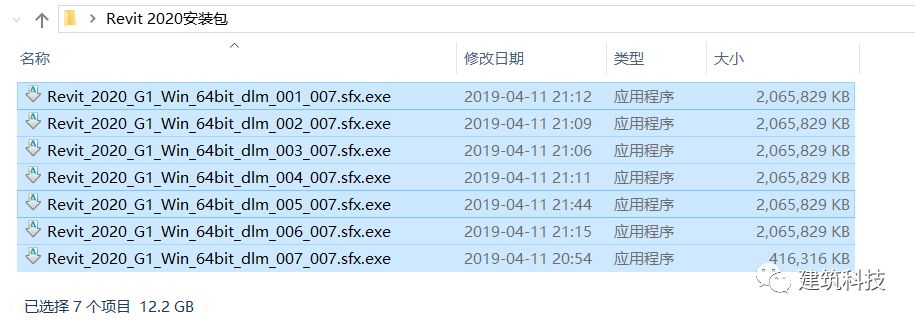
Revit2020安装教程,图文教程
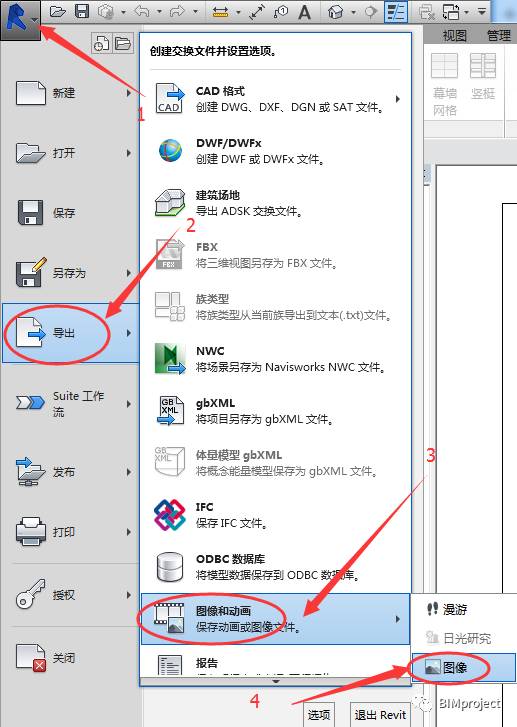
如何在浏览器中也可以查看Revit视图?

Revit2016族样板 文件单独下载

在revit中绘制轴网常遇到的问题以及如何解决
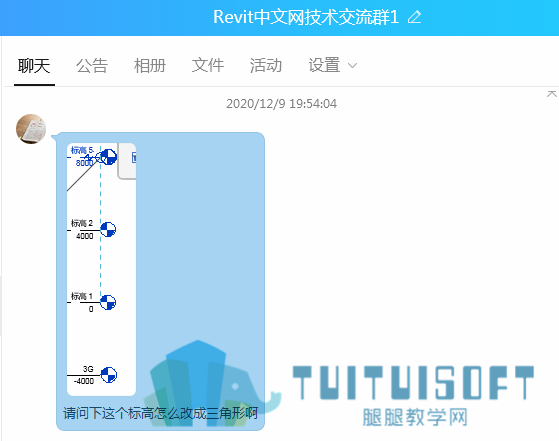
Revit标高怎么改成三角形?
最新课程






推荐专题





















相关下载


客户端下载 Windows 10 / 11 64 位测试版