





插件简介与使用说明
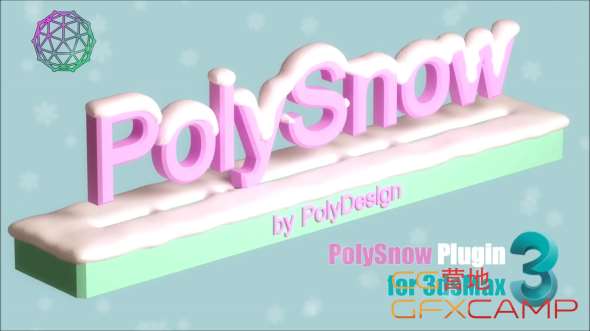
可以在3DS MAX中一键生成模型表面雪覆盖的效果,设置雪的厚度、覆盖位置等
PolySnow is a 3DSMax plugin that creates realistic snow with a click. You just select your objects in scene and PolySnow does the snow for you! Let the snow fall on your 3D objects and scenes with a click of a button. A variety of parameters lets you get the desired results in every situation.
It’s a macroscript so please read the Instructions for setting up the plugin. (It’s just a few easy steps)
Make your 3d assets’ winter versions with a click
Easy to use
支持的软件版本:
3DS MAX 2016/2017/2018/2019/2020/2021/2022
安装步骤:
退出3DS MAX
拷贝对应版本的比如PolySnowPlus_for_3dsMax_2022.dlo到C:\Program Files\Autodesk\3ds Max 2022\Plugins
打开3DS MAX,将PolySnowPlus_Assistant.mse拖到视窗,完成安装即可
下载与安装帮助
安装前要确认哪些信息?
适用版本:2016-2022;插件版本:V 1.01。核对你正在使用的软件版本,再按插件原说明安装。
免费、试用与收费应该怎样选择?
本插件原收费标注为“免费”。个人免费、部分收费与试用可能附带使用范围和期限,请结合开发商说明选择授权。
在哪里查看提取码或解压密码?
如果原资料标注了密码,上方下载区会显示“查看提取码 / 解压密码”。未标注的资料请按下载页面说明操作。
下载地址失效或安装遇到问题怎么办?
提供插件名称、详情页地址和具体提示,便于客服核查。涉及插件授权或兼容性的问题,以开发商答复为准。