





插件简介与使用说明
Description
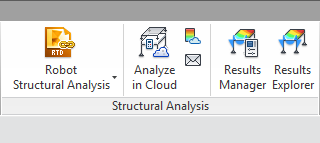
The toolkit includes the following components:
Link with Autodesk® Robot™ Structural Analysis Professional
Use it to perform advanced analyses after transferring a Autodesk® Revit® analytical model to Autodesk® Robot™ Structural Analysis Professional (Robot). It is a structural analysis and design software application. It enables you to perform linear and nonlinear analyses of any structure type and shape and to design steel, concrete, and timber elements of a structure.
Structural Results Storage and Exploration tools
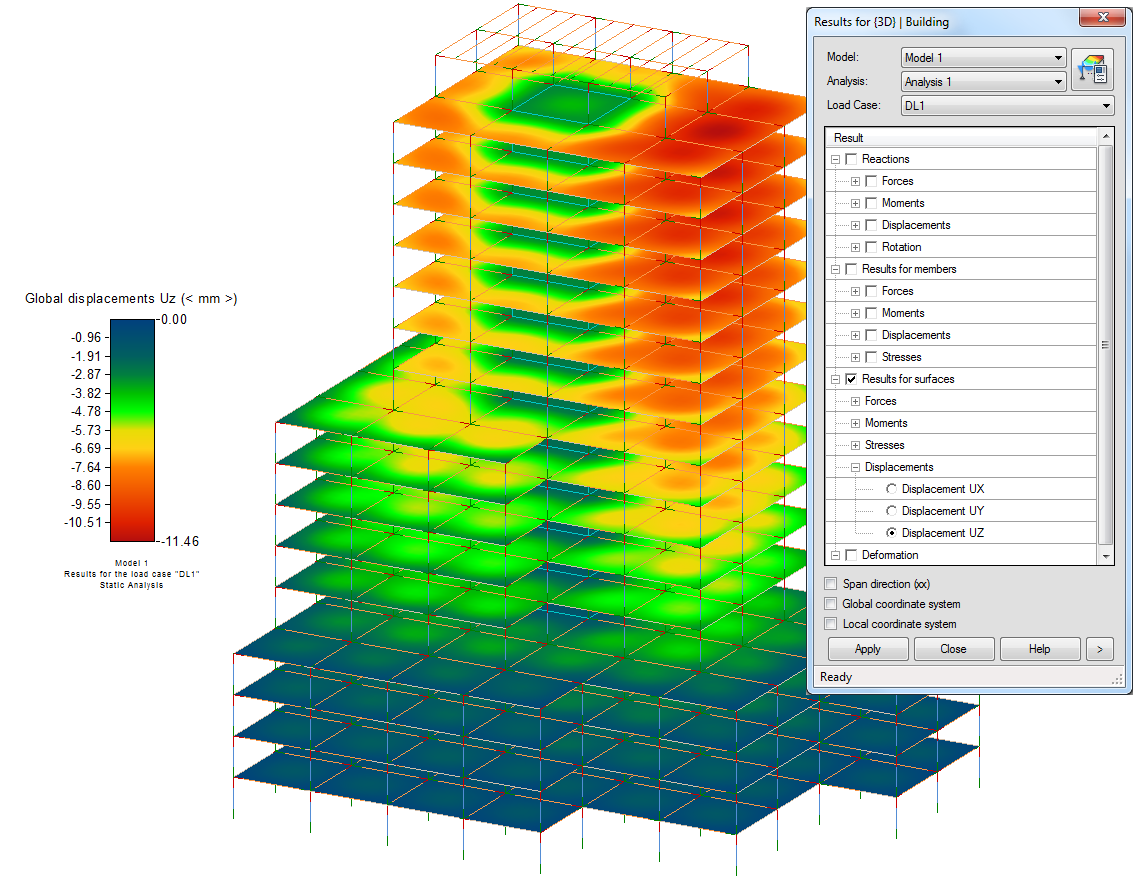
Use Results Manager to review, download, or remove results packages. Use Results Explorer to display result maps and diagrams on elements of an analytical model in Revit.

下载与安装帮助
安装前要确认哪些信息?
适用版本:2020;插件版本:V 2020。核对你正在使用的软件版本,再按插件原说明安装。
免费、试用与收费应该怎样选择?
本插件原收费标注为“免费”。个人免费、部分收费与试用可能附带使用范围和期限,请结合开发商说明选择授权。
在哪里查看提取码或解压密码?
如果原资料标注了密码,上方下载区会显示“查看提取码 / 解压密码”。未标注的资料请按下载页面说明操作。
下载地址失效或安装遇到问题怎么办?
提供插件名称、详情页地址和具体提示,便于客服核查。涉及插件授权或兼容性的问题,以开发商答复为准。